 Starix PDF
A date to fix in a PDF?Click it and correct it.
Click the line to change and type the new text; one line at a time, with the layout around it unchanged.
Pro feature · Free 14-day trial · Windows 10 / 11

Before you start
Four steps to edit text
STEP 1
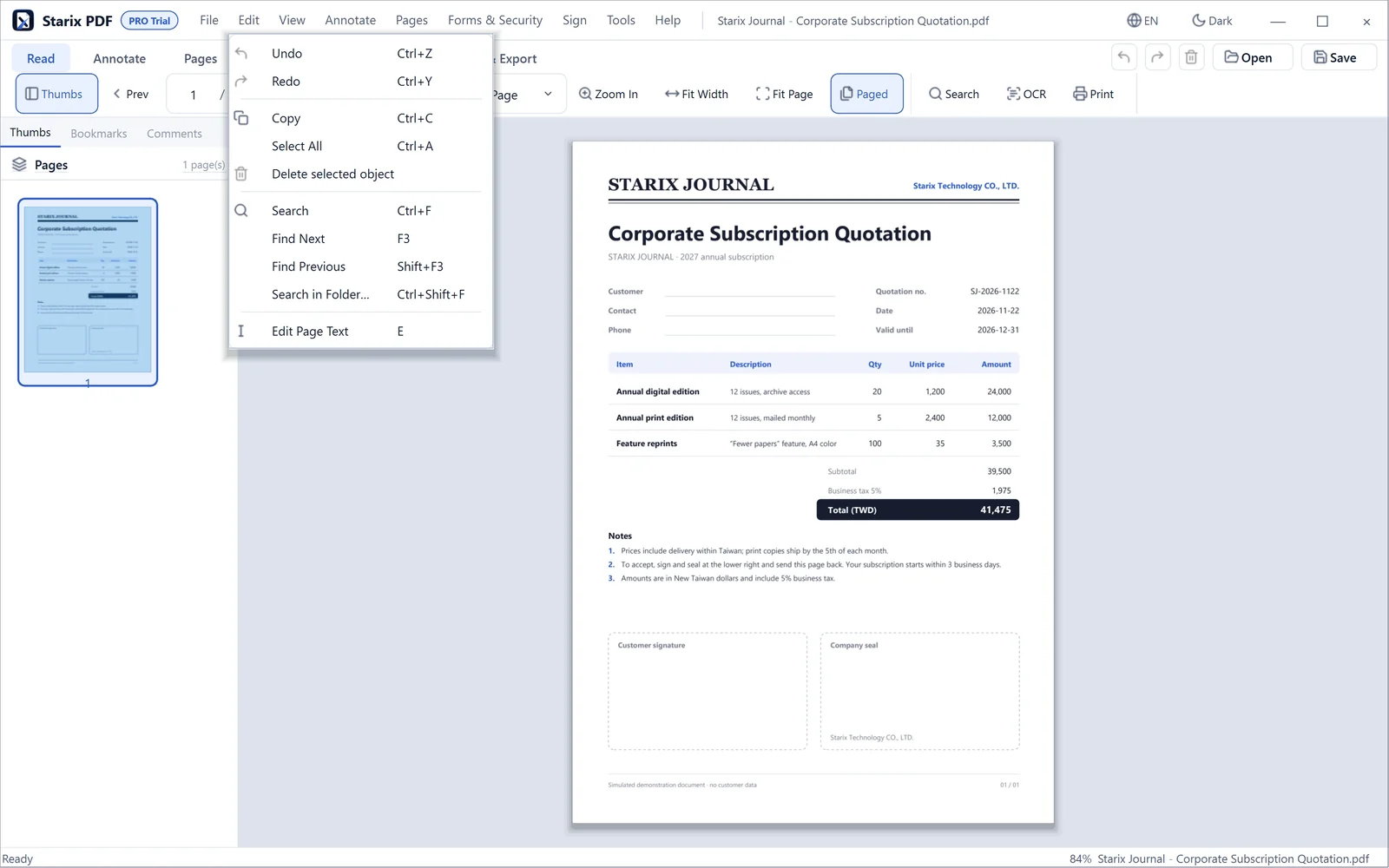
Choose Edit > Edit Page Text
Open the PDF, choose Edit on the menu bar and choose Edit Page Text, or press E.
Real Starix PDF screen · simulated demonstration document STEP 2
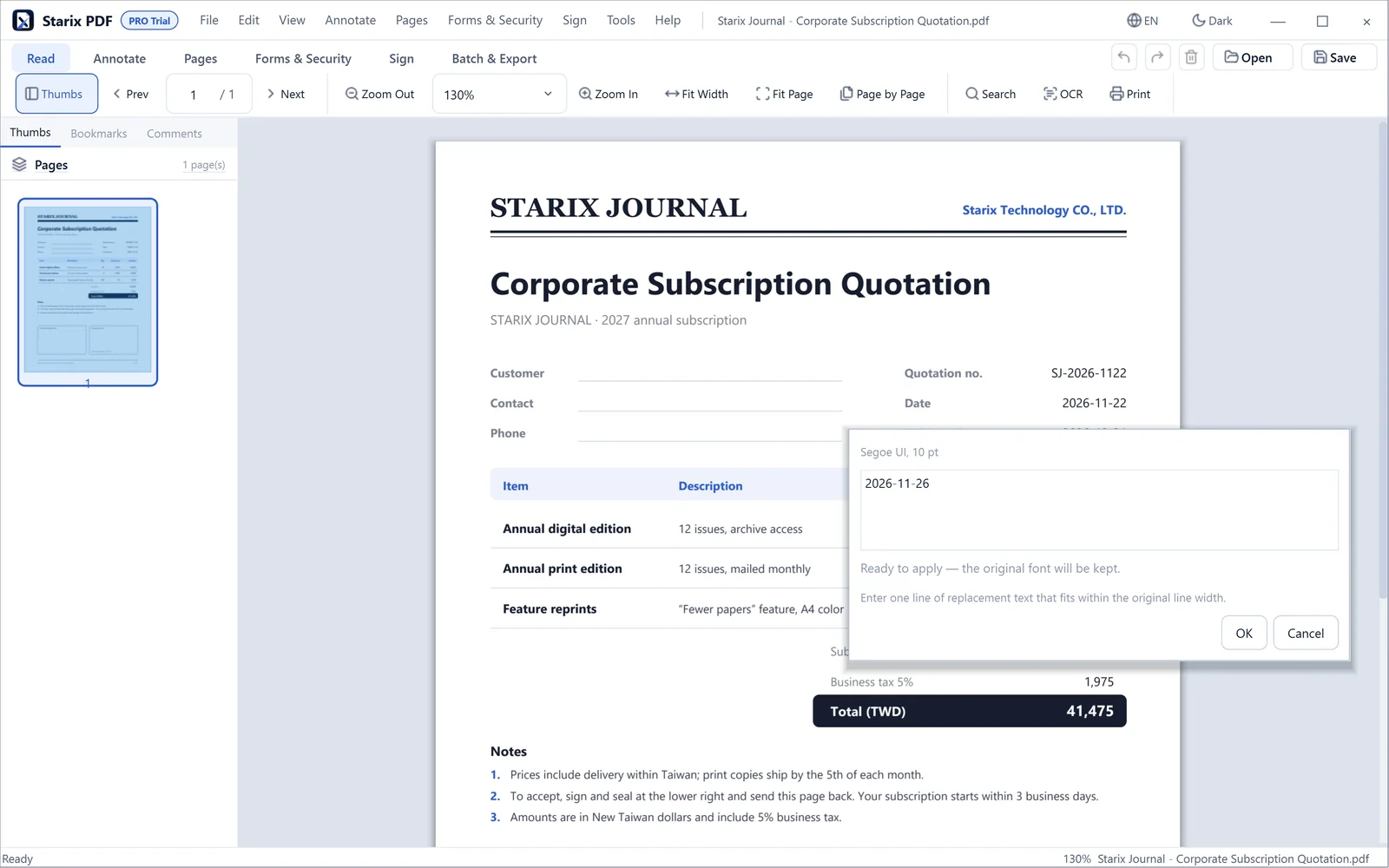
Click the line to change
Click the line and the Edit Text window opens. Type the new text; when it says the original font will be kept, click OK.
Real Starix PDF screen · simulated demonstration document STEP 3
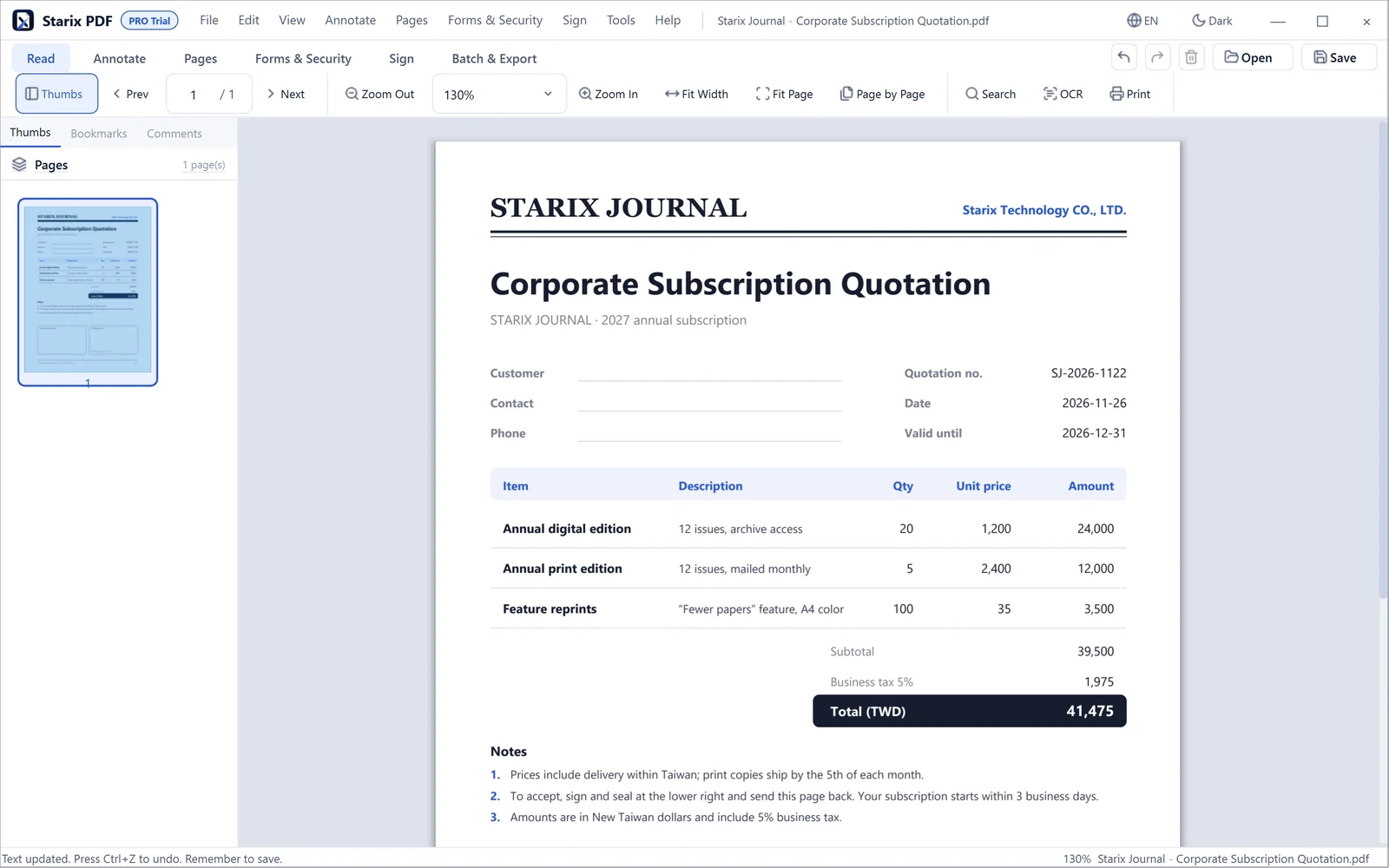
Check the change
The page shows the new text with the layout around it unchanged. Press Ctrl+Z to undo.
Real Starix PDF screen · simulated demonstration document STEP 4
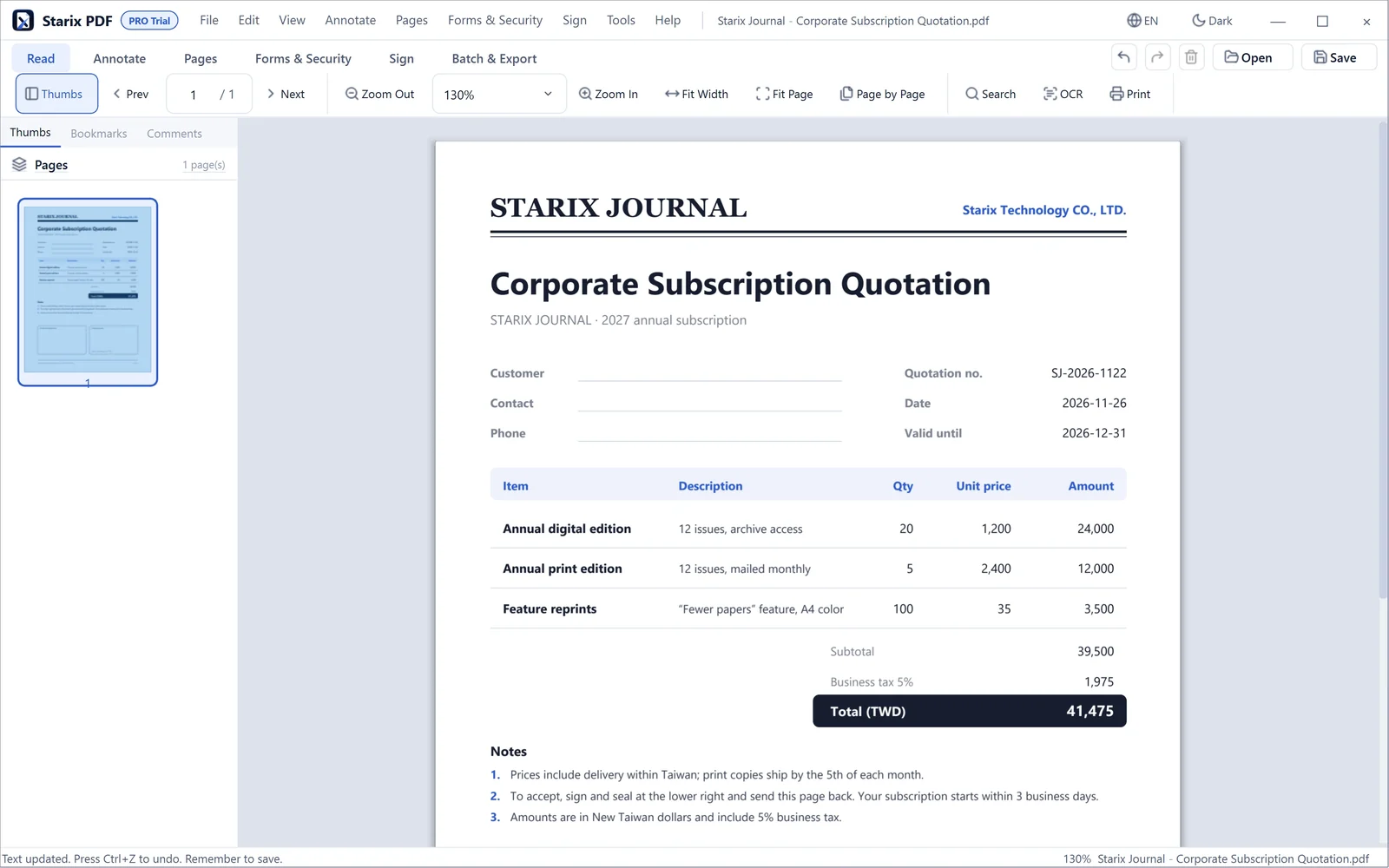
Save the file
When it looks right, click Save at the top right.
Real Starix PDF screen · simulated demonstration document
Good to know
Try it with the practice file
The practice file is the STARIX JOURNAL quotation. Change the quotation date to 2026-11-26 with the steps above. The practice file is for practice only.
Questions and answers
Can I rewrite a whole paragraph?
You edit one line at a time, which suits dates, numbers, amounts and short phrases.
What if I make a mistake?
Press Ctrl+Z, or click the line again and retype it.
Small fixes,made right in the PDF.
Download Starix PDF and edit the practice file.
Download for Windows