 Starix PDF
Correct existing PDF text
Pro edits supported existing text with improved font writing and result checks. Correct a reference, date or short phrase with undo and redo. The surrounding paragraphs do not automatically reflow.
From the first file to the final handoff. Read, annotate, organize, convert and sign, in one familiar workspace.
Free reading & annotation · Sign in and verify email for a 14-day Pro trial · No credit card
ONE WORKSPACE. EVERY STEP.
Follow the way you work. Find the tool you need, when you need it.
Review a contract, read a report or collect study notes. Add highlights and editable notes, then pick up where you left off.
Bring proposals, attachments and scanned pages together. Reorder and rotate pages in a visual workspace, then deliver one organized PDF.
Complete PDF forms, add a handwritten signature or sign with your own certificate. Protect the file with a password or permanently redact sensitive content.
Make scanned text searchable with OCR, then export Word, Excel or images. Process multiple files in a batch and deliver the format your work needs.
Version 1.0.3
Pro edits supported existing text with improved font writing and result checks. Correct a reference, date or short phrase with undo and redo. The surrounding paragraphs do not automatically reflow.
Select supported annotations or form fields to move or delete them. Notes and text boxes remain editable after saving and reopening. General edits support undo and redo; highlights and sticky notes remain free.
Fixed Apply actions for cropping and page resizing, and retained in-progress note text before page operations. Full-page and selected-region OCR can undo the current recognition result.
MADE FOR YOUR WORKDAY
From a single quote to a research collection. Finish the small document tasks that add up.
 Administration & finance
Merge invoice attachments, scanned receipts and approvals into one PDF. Arrange the pages and mark the details for the next person.
 Sales & independent work
Leave revision notes, complete confirmation fields and add your signature. Keep the work connected from first draft to final delivery.
 Research & learning
Read papers across tabs and organize your thoughts with highlights and notes. Use Pro OCR to make scanned material searchable.
People shown illustrate use cases and are not customer testimonials.
LOCAL BY DESIGN
Proposals, contracts and internal reports can stay on your computer for core PDF processing. You choose where to save and when to share.
Sign-in, payment and licence sync require internet access. Offline Pro use depends on your licence and offline validity period.
START FREE. GROW WHEN YOU NEED.
Everyday reading and annotation are free. Add Pro when it is time to do more with your documents.
EVERYDAY ESSENTIALS
Make every reading session count.
Reading and annotation, with no time limit.
Download and start freeYOUR COMPLETE WORKSPACE
From organizing files to final delivery.
US$39.99 billed yearly. About US$3.33 per month.
MAKE IT YOURS
A familiar tool, yours to keep.
Pay once. Keep the purchased major version.
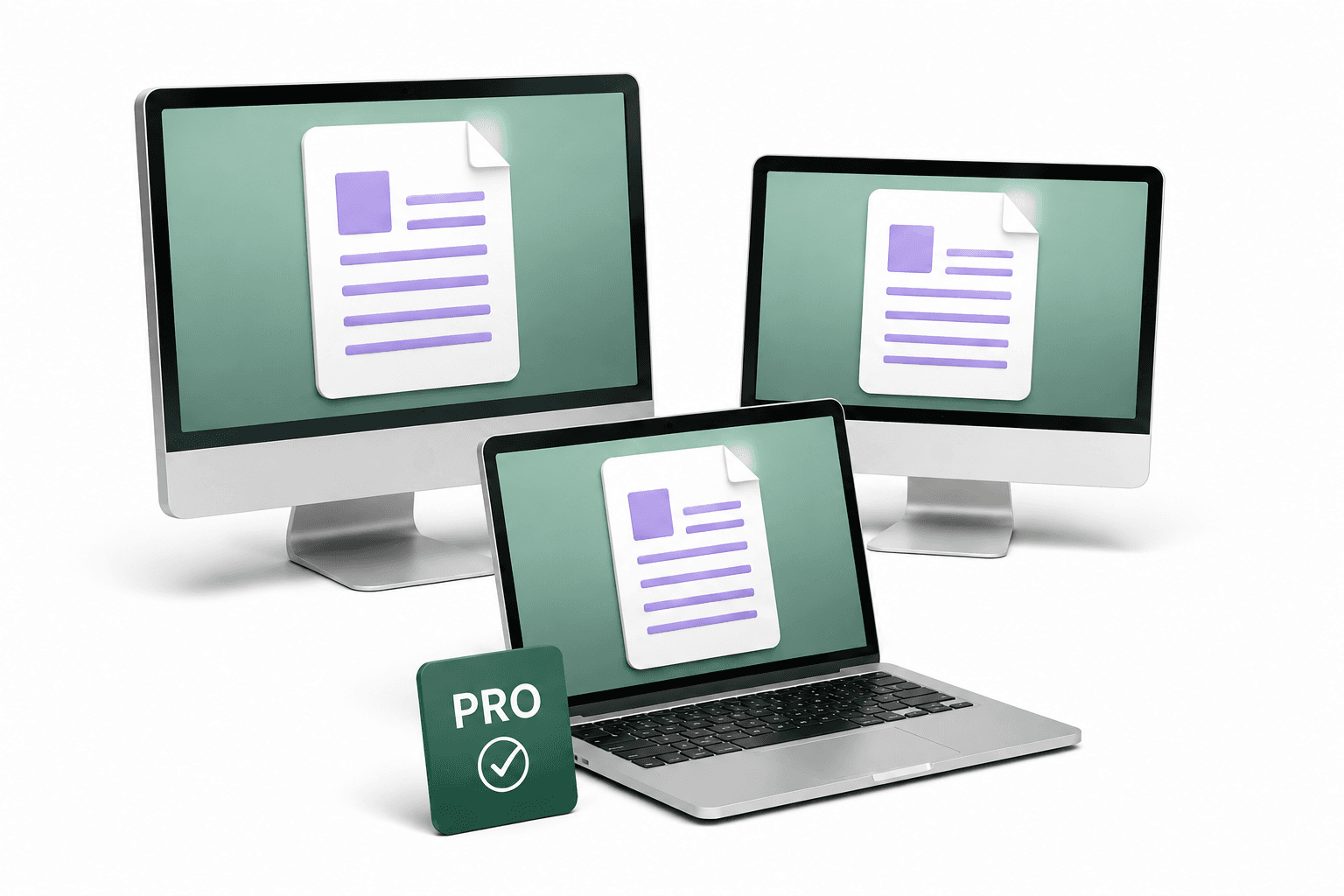
Monthly, yearly and Lifetime Pro each let one user use up to 3 personal computers at the same time. Prices are in USD; taxes and the final amount are shown at checkout. Plans and licence terms →
A FEW GOOD QUESTIONS
Reading, search, printing, highlights and notes are free without a time limit or account. Activate a Pro trial or choose Pro for page organization, OCR, conversion, forms and signing.
Yes. Free reading and annotation remain available, and your files stay where you saved them. The trial does not require a card and does not automatically charge you.
Core PDF processing runs on your Windows computer without uploading the PDF. Account sign-in, payment and licence sync need a connection; offline Pro use depends on valid entitlement and offline expiry.
Choose monthly, yearly or a one-time Pro Lifetime licence. The Pro features are the same. Lifetime covers the purchased major version and does not promise every future paid major upgrade.
Monthly, yearly and Lifetime Pro each let one user use up to 3 personal computers at the same time. Release an old device from My account when changing computers. Releasing a device does not cancel billing; manage subscriptions and invoices through the billing portal.
Free includes Windows reading, search, printing, highlights and sticky notes with no time limit. Pro adds OCR, page organization, forms, permanent redaction, signing and export. Try Pro for 14 days and choose a plan that fits your work.
Have the right tools ready for today's documents.